For middle school teachers
Stop building differentiated materials at your kitchen table.
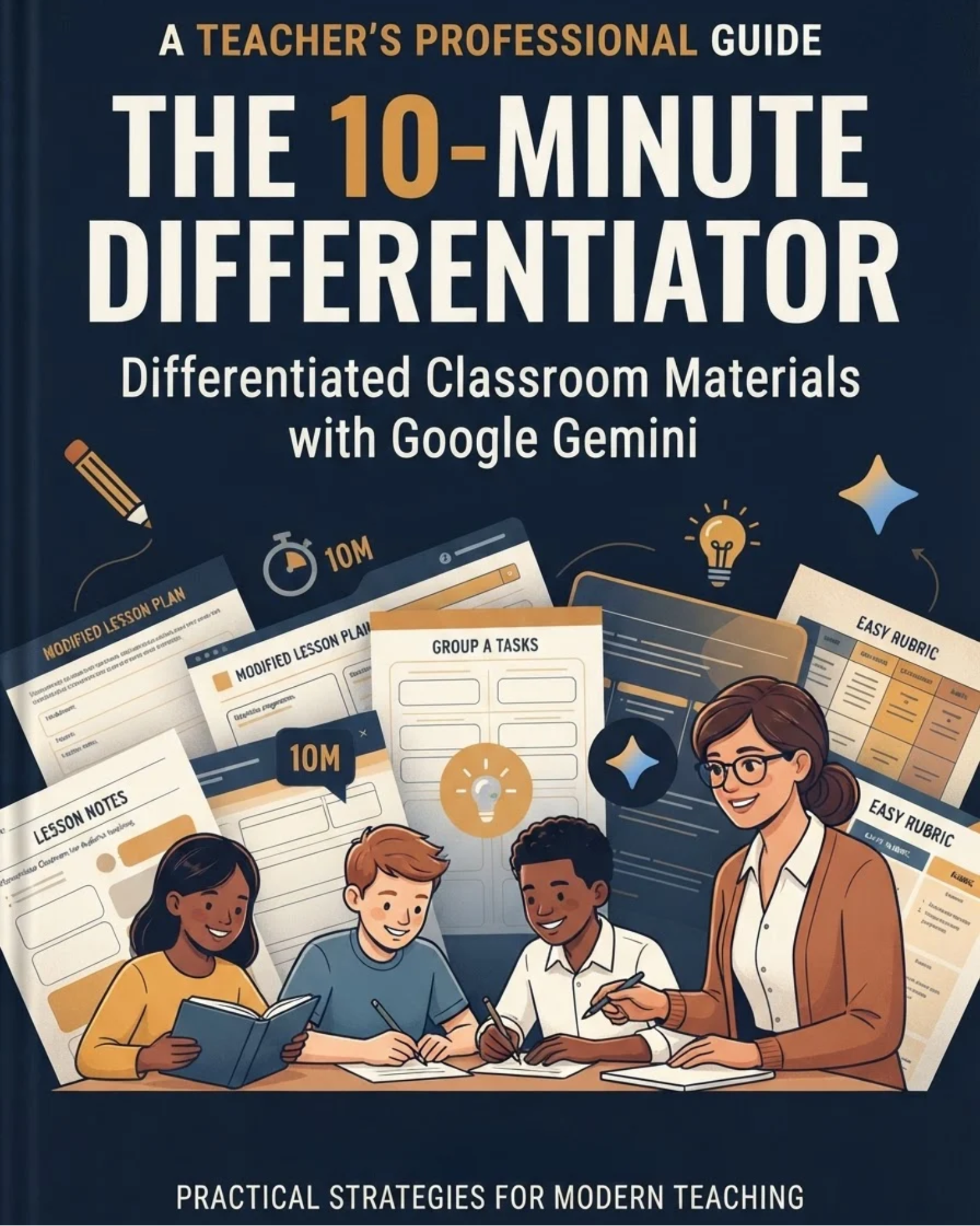
Learn how to use Google Gemini, free with your school's Google account, to turn one lesson into support, on-level, and extension versions in about 10 minutes.
- 22 pages
- ·18 copy-paste prompts
- ·Printable daily checklist
You can teach the lesson. It's everything around it that eats your night.
Teachers already average 49 hours a week, about 10 more than their contract (RAND, 2025). For most of us, the extra hours go to the same few jobs:
The reteach sheet at 9 p.m.
Half the class missed the point today, and you need a fix ready by first period.
The simplified reading
Same facts, same vocabulary, written for the kids reading two grade levels behind.
The accommodated version
Word banks, chunked directions, fewer choices. Due by Thursday, for five different plans.
How it works
Describe your class once. Let Gemini do the rewriting.
Generic AI worksheets fail because the tool doesn't know your students. This guide shows you how to set up a Gemini “Gem” that already knows your grade, your reading range, and your most common accommodations, without ever typing a student's name.
Then you paste in a lesson and get a first draft you can actually print.
Sample prompt from Chapter 4
Here is my on-level worksheet. Create two more versions:

SUPPORT: same questions in the same order, add a worked example, a word bank, sentence starters, and reduce multiple choice to 3 options.

EXTENSION: same core questions, then add 2 deeper questions that apply the idea to a real-world situation.

Keep question numbers matching. Answer keys at the end.
One prompt. Three printable versions. Same learning goal for the whole class.
What's inside the guide
Build your class profile once
Describe each period's needs one time, safely, with no student names.
Set up Gemini the right way
Your school account, Gemini in Classroom, and a Gem that remembers you.
The five-part prompt formula
Goal, Students, Material, Format, Limits, plus five weekly starter prompts.
One lesson, three versions
Support, on-level, and extension materials on the same learning goal.
Reteach from exit tickets
Turn today's confusion into tomorrow's small group in ten minutes.
Accommodations and English learners
Apply common supports and language scaffolds without rewriting.
Check fast, save everything
A two-minute quality check, a library system, and a weekly batch block.
18 copy-paste prompts
Fill in the brackets and go.
Ready-made Gem setup
Paste-in instructions for your own assistant.
Try It Today actions
One 15-minute step per chapter.
Daily Focus Checklist
Print it. Keep it on your desk.
This is for you if
- You teach grades 6 to 8 and adapt materials for a wide range of readers.
- Your school uses Google Workspace for Education.
- You want AI to save time without lowering your standards.
- You have tried ChatGPT or Gemini and got generic results.
It's probably not for you if
- You want AI to grade for you. This guide keeps you in charge.
- You need a full curriculum. This helps you adapt the one you have.
- Your district bans AI tools for staff.
Get your evenings back this week.
Read Chapter 1 tonight. Build your first Gem tomorrow. Make your first three-version worksheet by Friday.
The 10-Minute Differentiator
$24.00
PDF guide, 22 pages, instant download
Due to the nature of digital downloads, all sales are final and non-refundable.
Questions
Do I have to pay for Gemini?+
No. Google includes Gemini at no extra cost with Google Workspace for Education accounts. Your district has to have it turned on. If it isn't, the guide tells you who to ask.
Is it safe for student privacy?+
The whole system is built around one rule: never put student names or identifying details into an AI tool. You describe needs, not people.
I'm not a tech person. Will this work for me?+
Yes. Every prompt is copy-paste with blanks to fill in, and each chapter ends with one small step you can finish in 15 minutes.
What if my school uses Microsoft instead of Google?+
The prompts work in most AI tools, but the setup steps are written for Gemini. Check your district's policy on which tools staff can use.
How do I get it?+
You get the PDF right after checkout. Read it on any device or print it.